Fleet Summary
See which vehicles are online, offline or waiting on a GPS update, with mileage for the whole fleet.
See the summary
One platform for your whole fleet: live location, vehicle data, geofences, distance reports and service reminders.
Follow a single vehicle or the entire fleet, from the same screen. Everything below comes from the platform your team will use.
See which vehicles are online, offline or waiting on a GPS update, with mileage for the whole fleet.
See the summaryFind any vehicle on the map, with its speed, its status and how long it has been parked.
See the mapOpen a vehicle to read its location, odometer, engine hours, inputs and sensor data.
See the readingsShare a vehicle's live location with a secure link, and set zones around the places that matter.
See how it worksReport how far each vehicle travelled, so you can compare fuel use against real distance.
See the reportsSchedule maintenance by date, mileage or engine hours, and get a reminder when it is due.
See maintenanceStart every day with one overview of multiple vehicles. See what is running, what needs attention and how far the fleet has driven.
Search your list, tick a vehicle and see exactly where it is on the map. No phone calls to drivers needed.
Choose a vehicle and open its details to see what it is doing and how hard it has worked.
Create a secure link that shows clients or colleagues where your vehicles are, and send it by email or text, or embed it in a website.
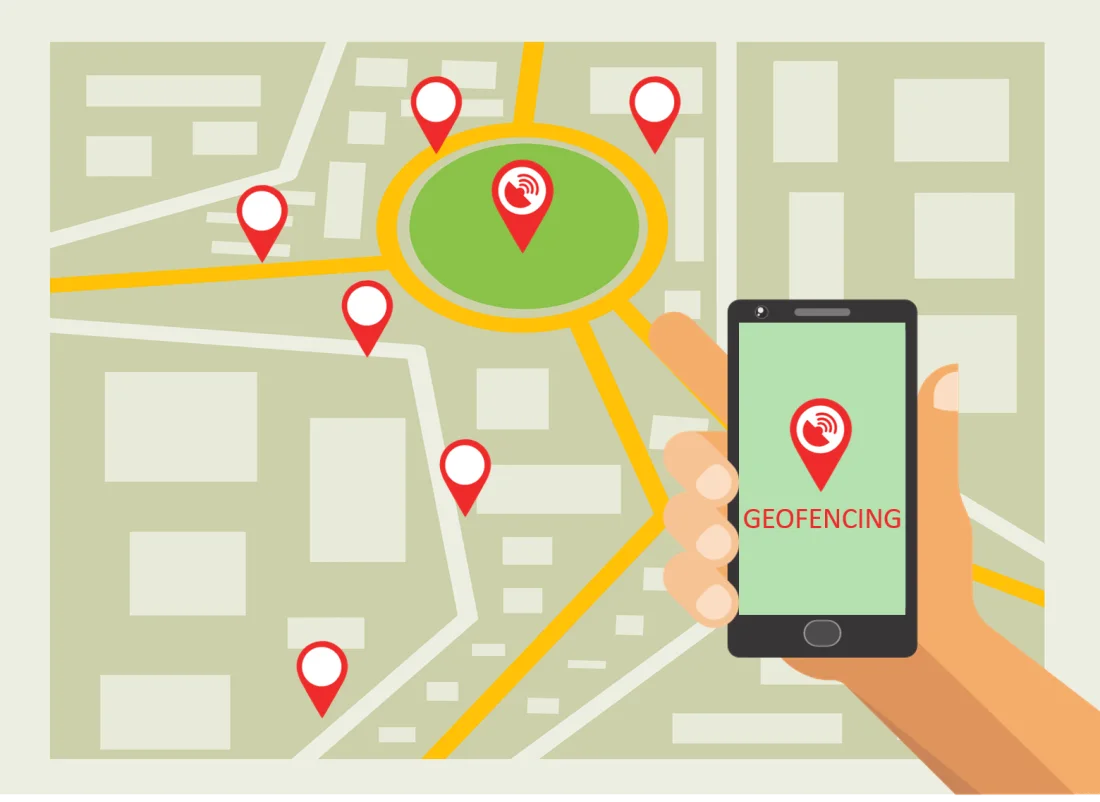
Draw a zone around a warehouse, depot or customer site. Geofencing alerts you to movement, and the geofence visits report records the date, time and mileage for each zone.
Build a report for one vehicle or several. Each trip shows where it started and ended, the distance, the travel time and the speeds.
An example Trips report: distance per trip, in km, by start time.
Put a report's distance beside your fuel records. A sudden drop in km per litre tells you what to check.
Plan maintenance for each vehicle around the targets that suit it. Set one target or several, and repeat the work automatically.
Tell us how many vehicles you run and we will show you the platform on a live demo.